How to browse products
There are several ways to browse products.
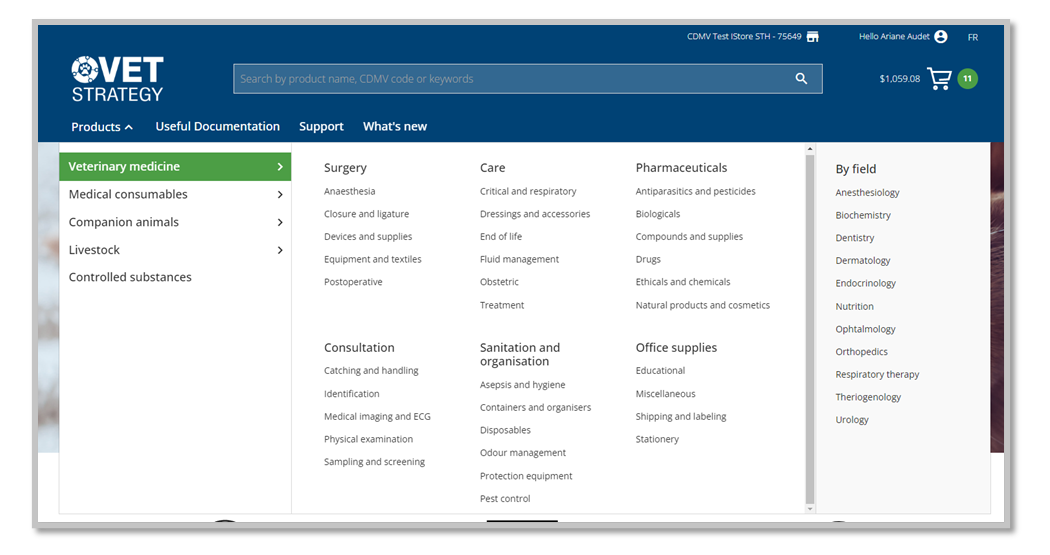
1. Use the navigation menu. There are main 4 categories and each one contains between 5 and 7 subcategories.
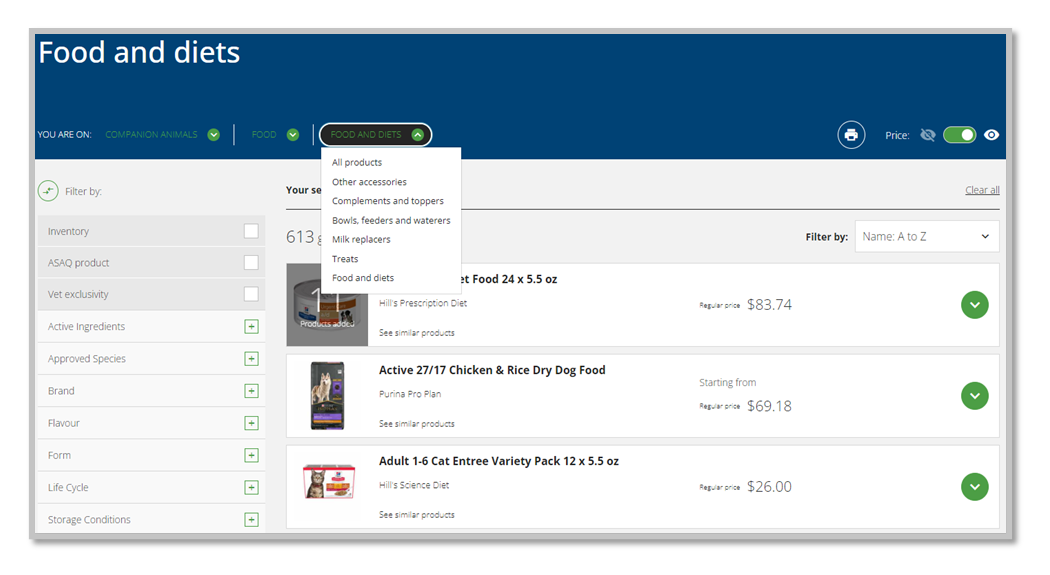
2. Use the navigation option in the product listing page. From this page, you can select a different category.
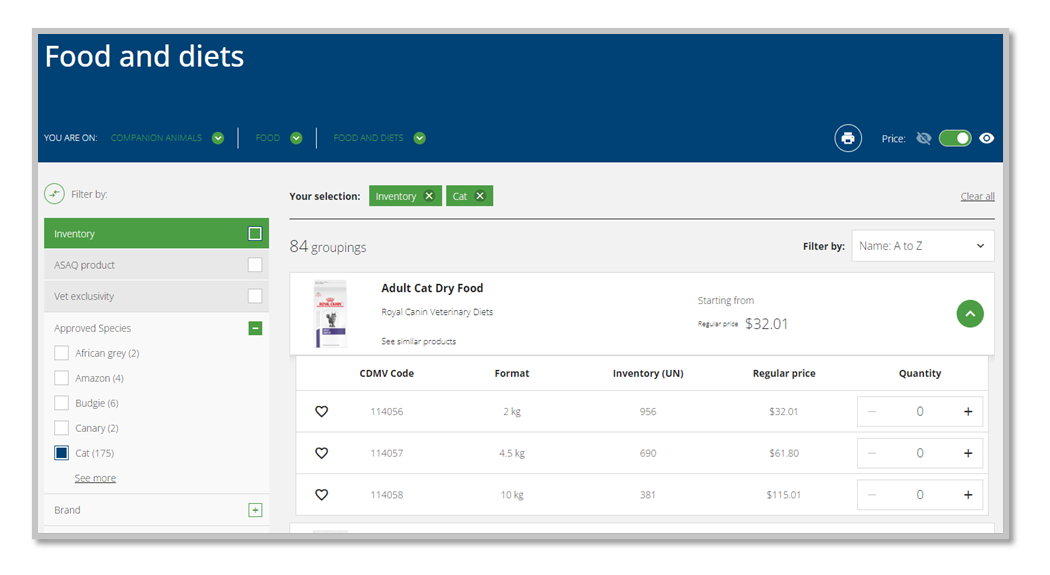
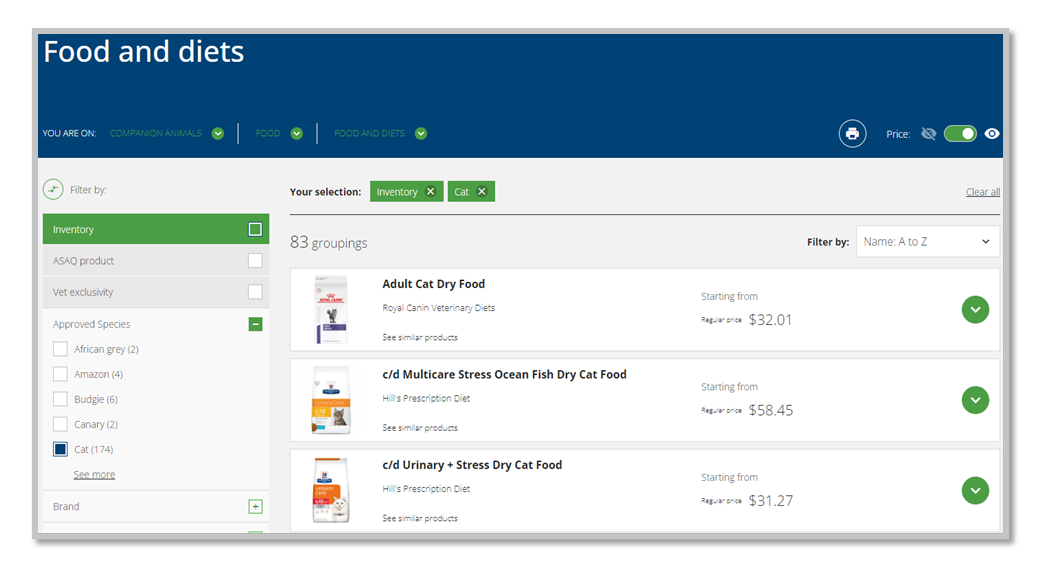
3. Use the filters on the left to refine your search. You can select the filters according to your needs in order to clarify the available supply. For example, clicking on 'inventory' will show only products that are in stock.
4. Discover the variants available for each product by clicking on the chevron. This will also give you access to the inventory quantities.